
Contents
- Thaw tidies up an overflowing menu bar
- Maccy brings back everything you copied
- Input Source Pro switches input methods for you
- Easydict translates whatever you select
- AltTab switches windows like Windows does
- Stats shows CPU and network speed in the menu bar
- Boring Notch makes the notch useful
- Window Sweaters puts sweaters on your windows
- Things to watch when installing
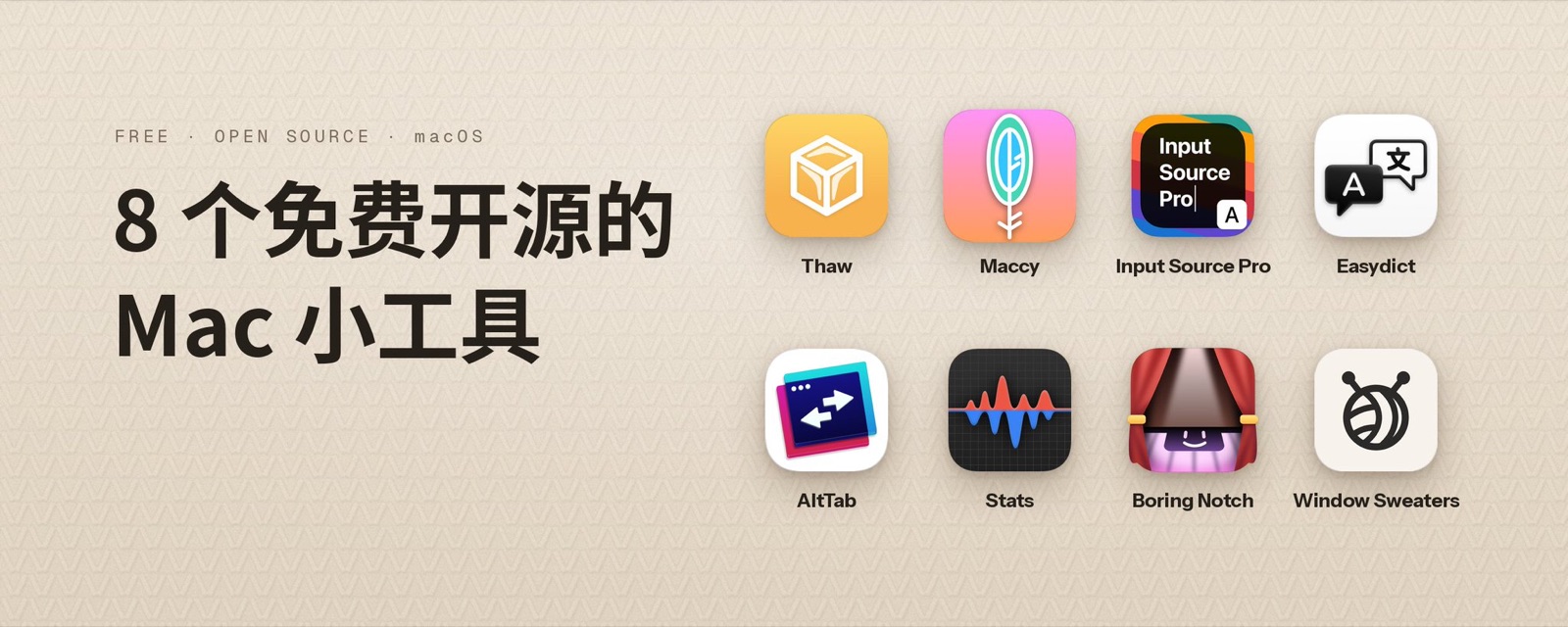
I’ve rounded up 8 small Mac utilities worth installing, all free and open source. A crowded menu bar, things you copied and can’t get back, the Chinese input method tripping you up while you code: they fix most of these little annoyances.
Thaw tidies up an overflowing menu bar
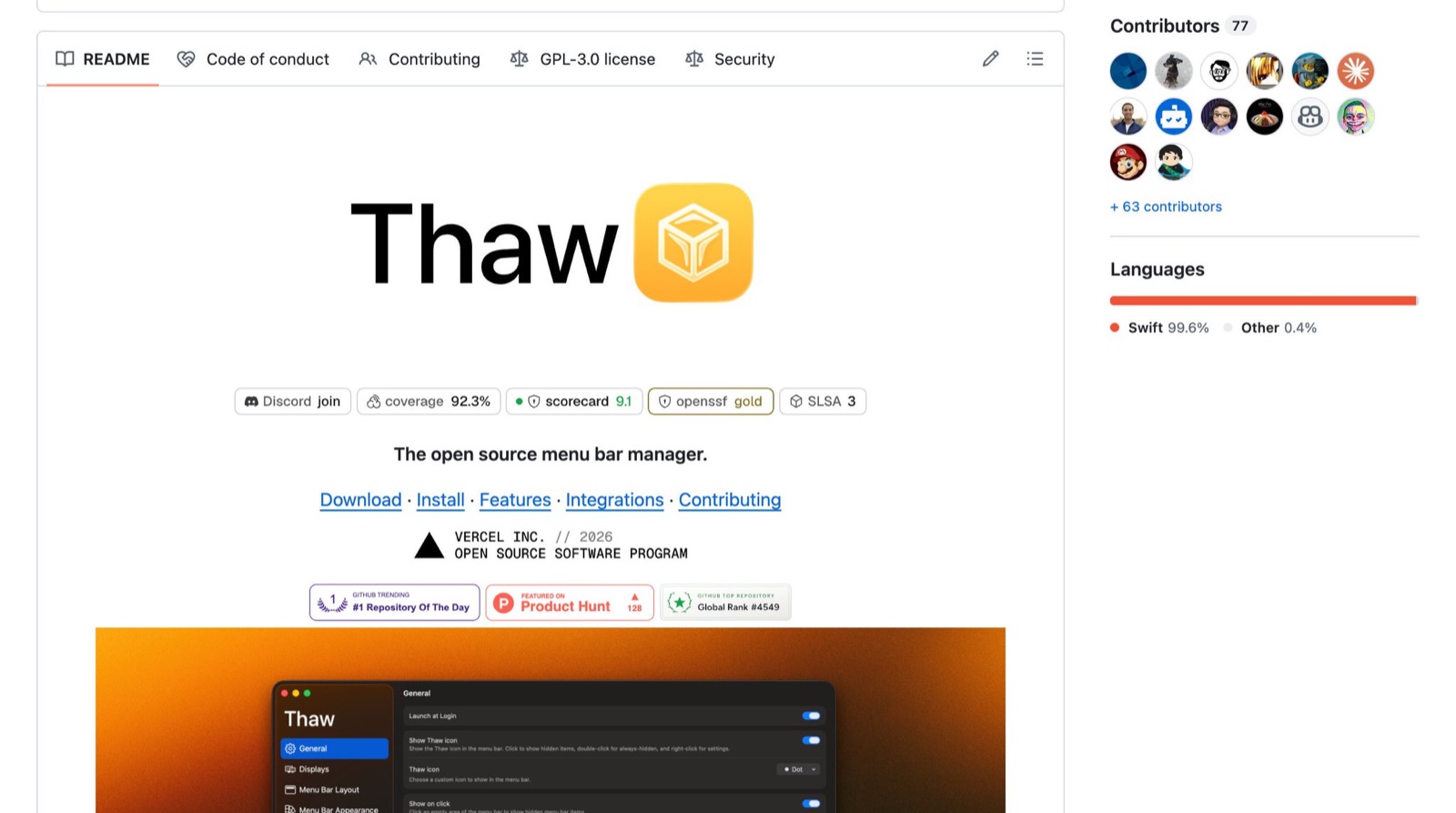
On MacBooks with a notch, menu bar space is scarce, and once you have enough icons some disappear behind the notch where you can’t click them. Thaw hides the icons you rarely use and shows them when you move the pointer to the menu bar or click an empty spot; hidden icons can also live in a separate Thaw Bar below the menu bar. It’s a community fork of Ice and has kept up with new macOS versions since Ice stopped updating. It requires macOS 26 or later.
Maccy brings back everything you copied
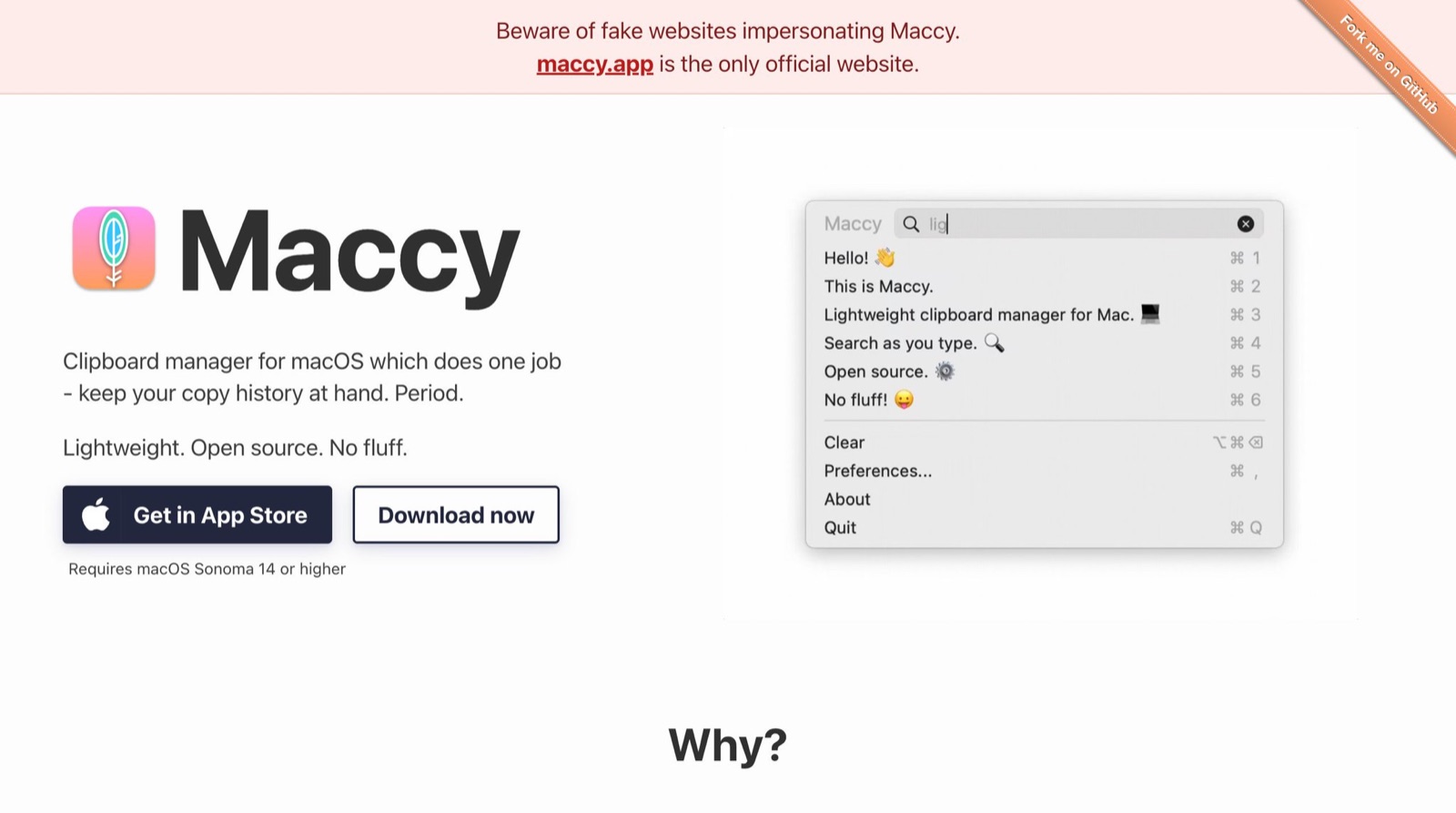
By default the Mac only remembers the last thing you copied; everything before it is gone. Maccy keeps your clipboard history: press Shift + Command + C to bring up the list and just type to search. It requires macOS 14 or later. Spotlight in macOS 26 has clipboard history built in, but Maccy is lighter and you never have to touch the mouse. Only download it from the official site, maccy.app; the author has warned on GitHub that fake sites are distributing infected installers.
Input Source Pro switches input methods for you
Typing a string of Chinese into Terminal, or a string of English into WeChat: anyone using a Chinese input method does this dozens of times a day. Input Source Pro lets you set a default input method per app, so switching to Terminal changes to English and switching back to WeChat changes to Chinese, and in the browser you can even set it per website. There’s also a switch to force English punctuation, so you won’t type full-width symbols in your code editor with the Chinese input method on.

Easydict translates whatever you select
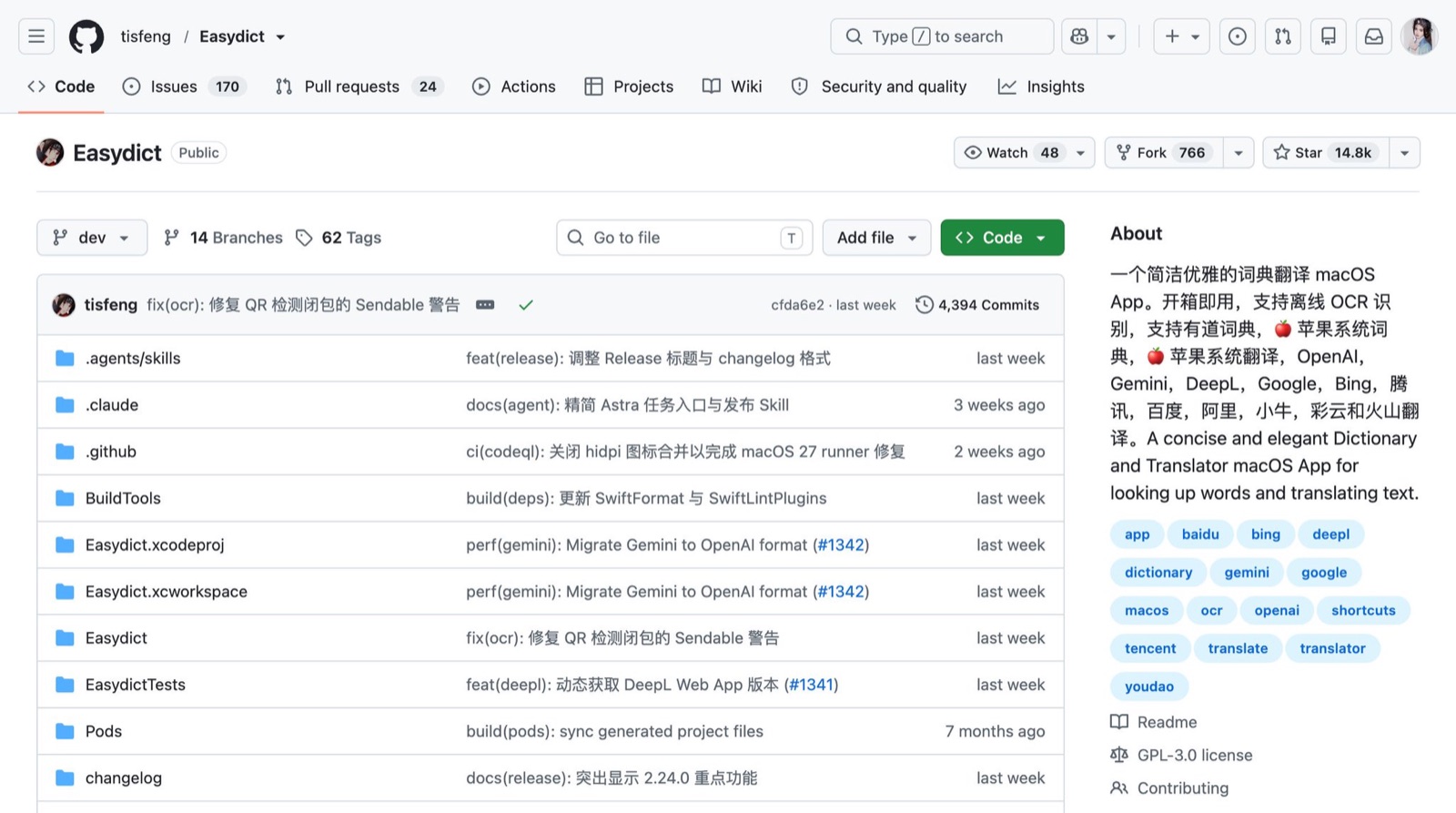
When reading English docs and posts, select some text and the translation appears. It also does screenshot OCR, so text in images can be translated too. It can show results from several translation services side by side, including Apple’s system translation, Google, DeepL, OpenAI and Gemini, so you can see at a glance which one reads best. Its documentation is in Chinese, so it’s easy to pick up.
AltTab switches windows like Windows does
The Mac’s built-in Command + Tab only switches between apps; if one app has three windows open, you have to hunt again. AltTab shows thumbnails of every window when you press Option + Tab, each window on its own, so you pick exactly the one you want. Anyone coming from Windows will feel things are finally normal.

Stats shows CPU and network speed in the menu bar
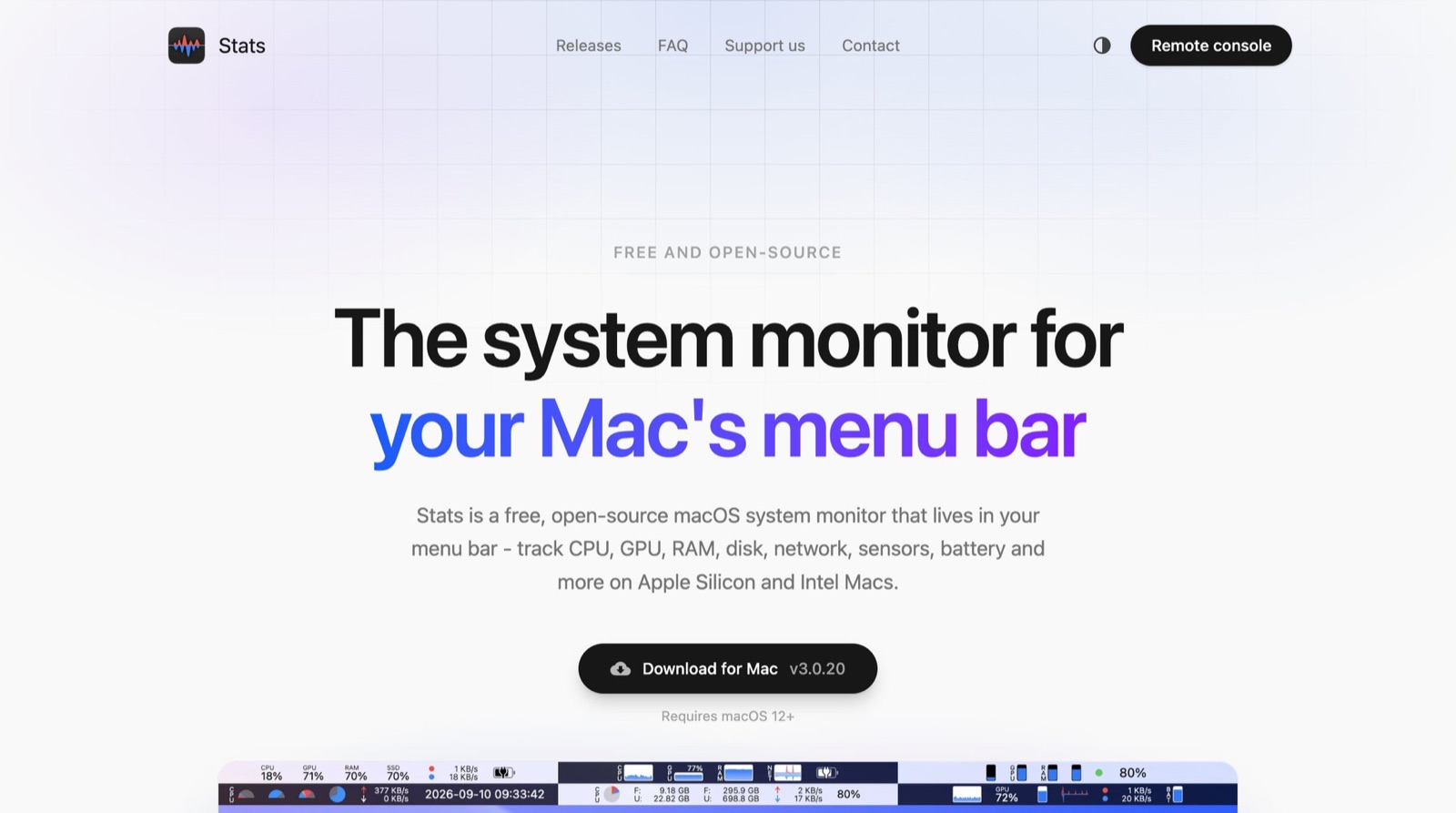
CPU, memory, disk, network speed, battery, temperature and fan speed can all show live in the menu bar, and you choose which ones. It’s available in Simplified Chinese. When you’re running local models or compiling a project, one glance tells you whether the machine is about to give out. On macOS 26, if the icon doesn’t appear after installing, turn on Stats under Menu Bar in System Settings.
Boring Notch makes the notch useful
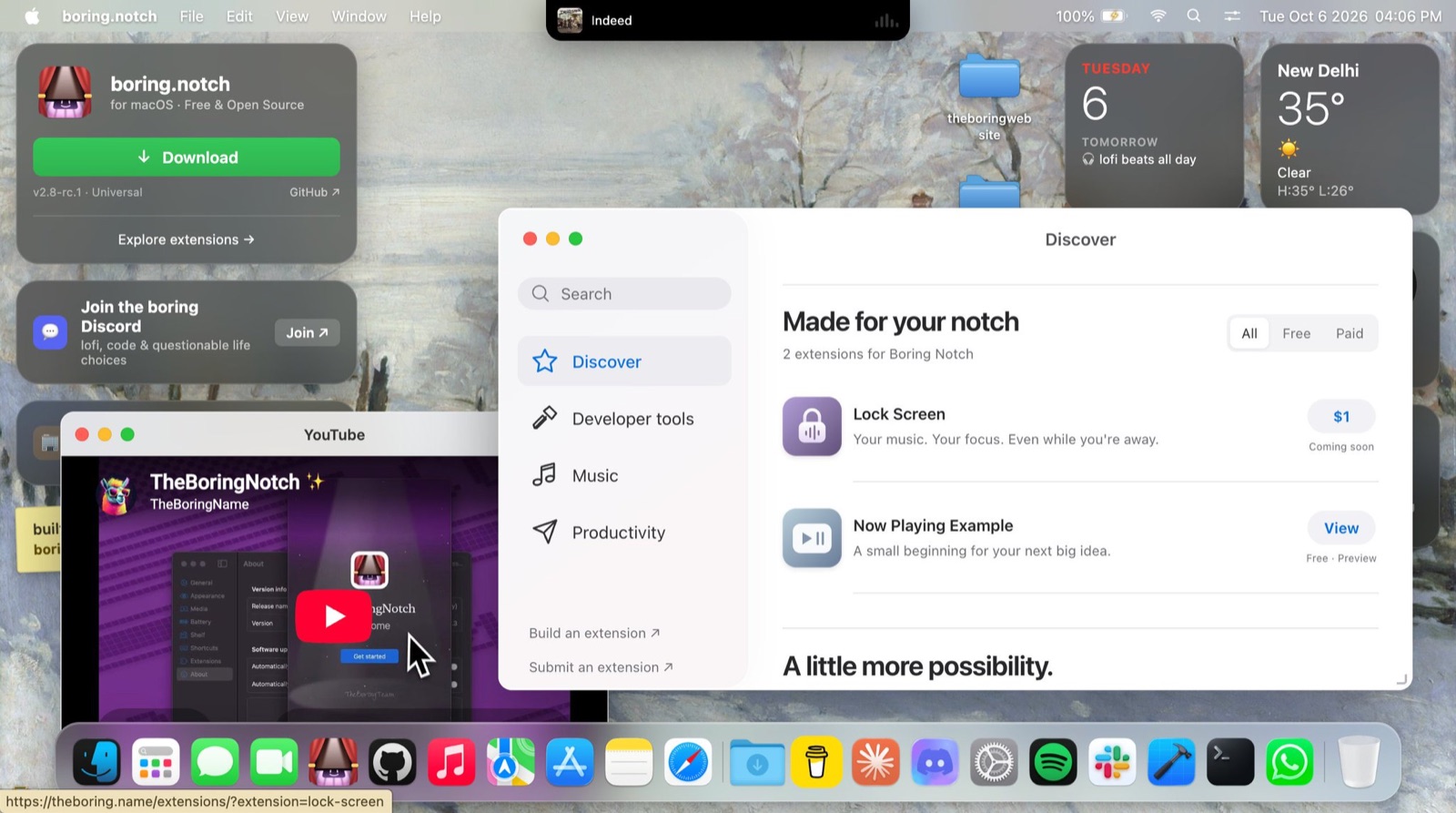
It turns the notch into a little control center. While music plays it shows playback controls and an audio visualizer; hover over it and it expands to show a calendar and a file shelf, and files dropped on the shelf can be AirDropped directly. It can also replace the system volume and brightness pop-ups with its own style. It requires macOS 14 or later.
Window Sweaters puts sweaters on your windows
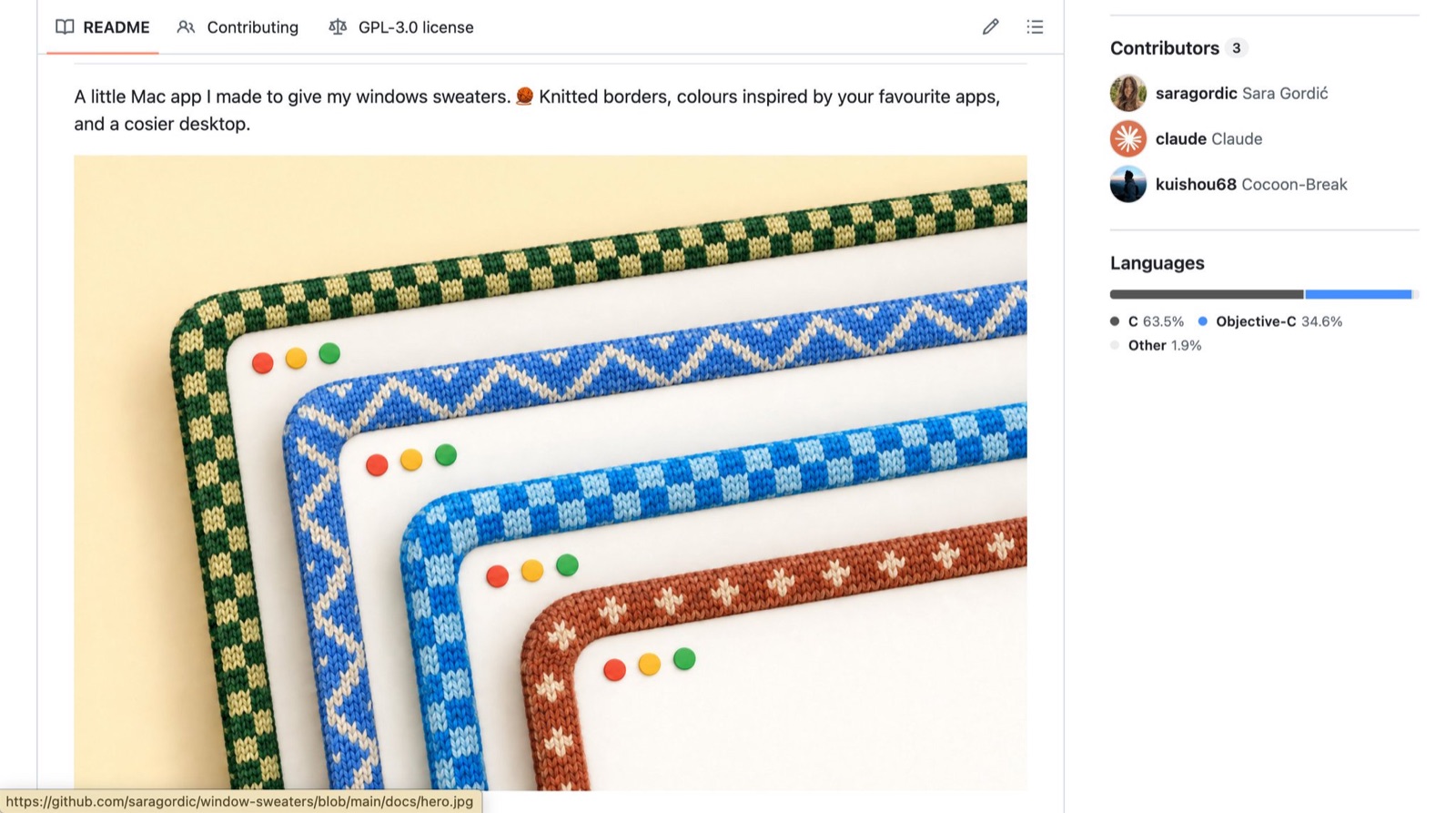
The last one has zero productivity value; it’s purely pretty. It knits a border around every window, with different colors and patterns for different apps. Click the yarn-ball icon in the menu bar to change the style, border width and stitch size. Perfect for winter.
Things to watch when installing
Download everything from the official GitHub repos or websites; I’ve put the links in the replies. Don’t click download sites that turn up in search engines.
Boring Notch and Window Sweaters aren’t notarized by Apple yet, so macOS blocks them the first time you open them. Go to Privacy & Security in System Settings, scroll down, and click Open Anyway.
Most of these tools need Accessibility permission to work; follow the prompts and allow it in System Settings. They’re all open source, so anyone can inspect the code.
Small utilities occasionally break after a major macOS update; the author of Window Sweaters notes it uses private system APIs. If something goes wrong, check GitHub for a new version first.