
Contents
Meta’s personal AI assistant Muse is all the rage lately, and the 1 billion tokens you get for entering an invite code are very tempting. But it’s only open in the US for now, and from China and many other regions you basically can’t get in. I tested it again today: by detouring through Gemini Spark’s remote browser, you can sign up in a minute, and the whole thing is smooth. This post covers the steps, how to get the invite bonus, and what card to use.
What is Muse
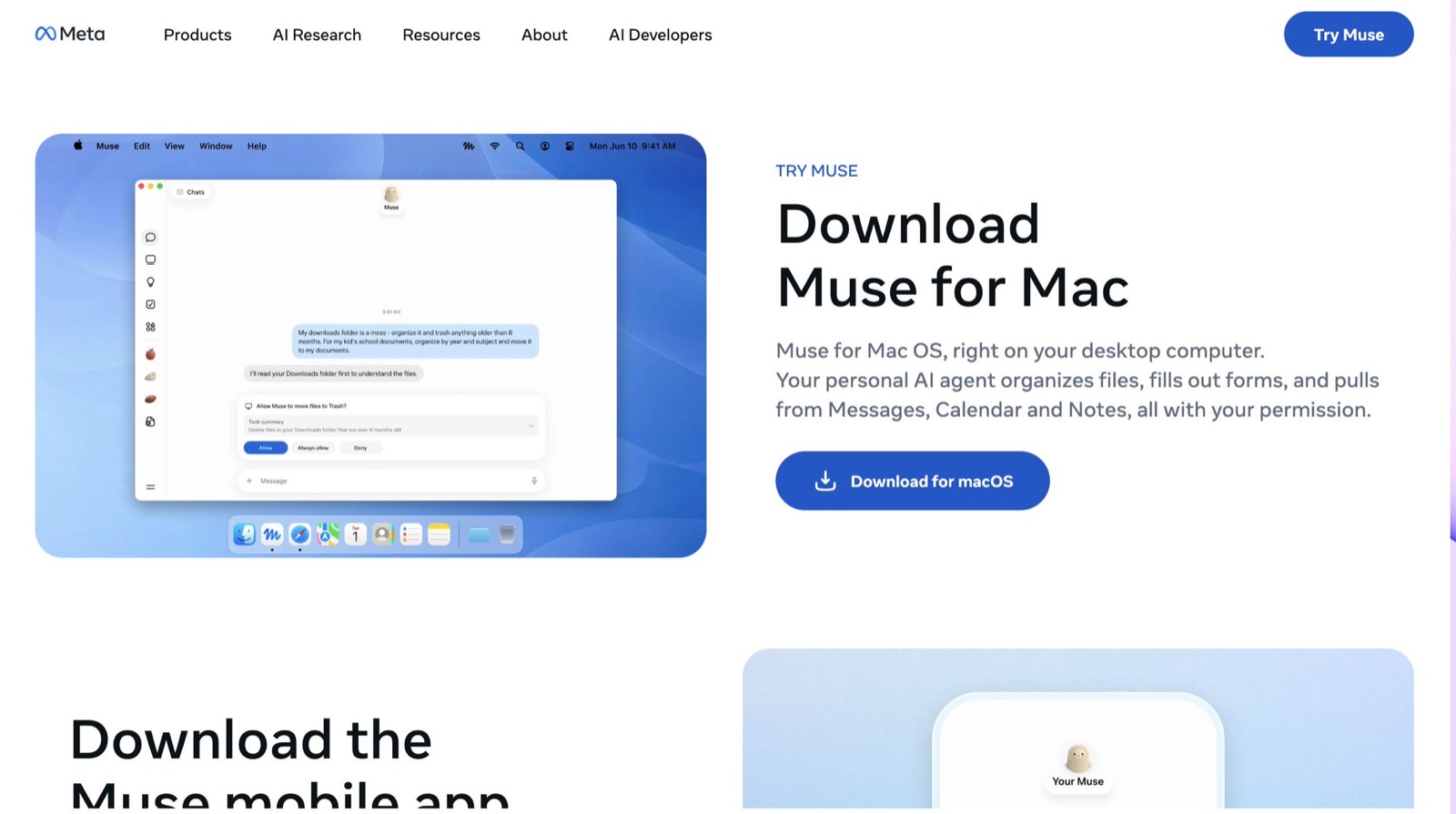
Muse is a personal agent from Meta. When you open the page it greets you and offers to take things off your plate. Put simply, it’s an assistant that does work for you: with your permission it can edit your calendar, place orders and use the apps you connect. It also has its own cloud computer and browser, so it can keep running tasks when you’re away, and it gets to know you better the longer you use it.
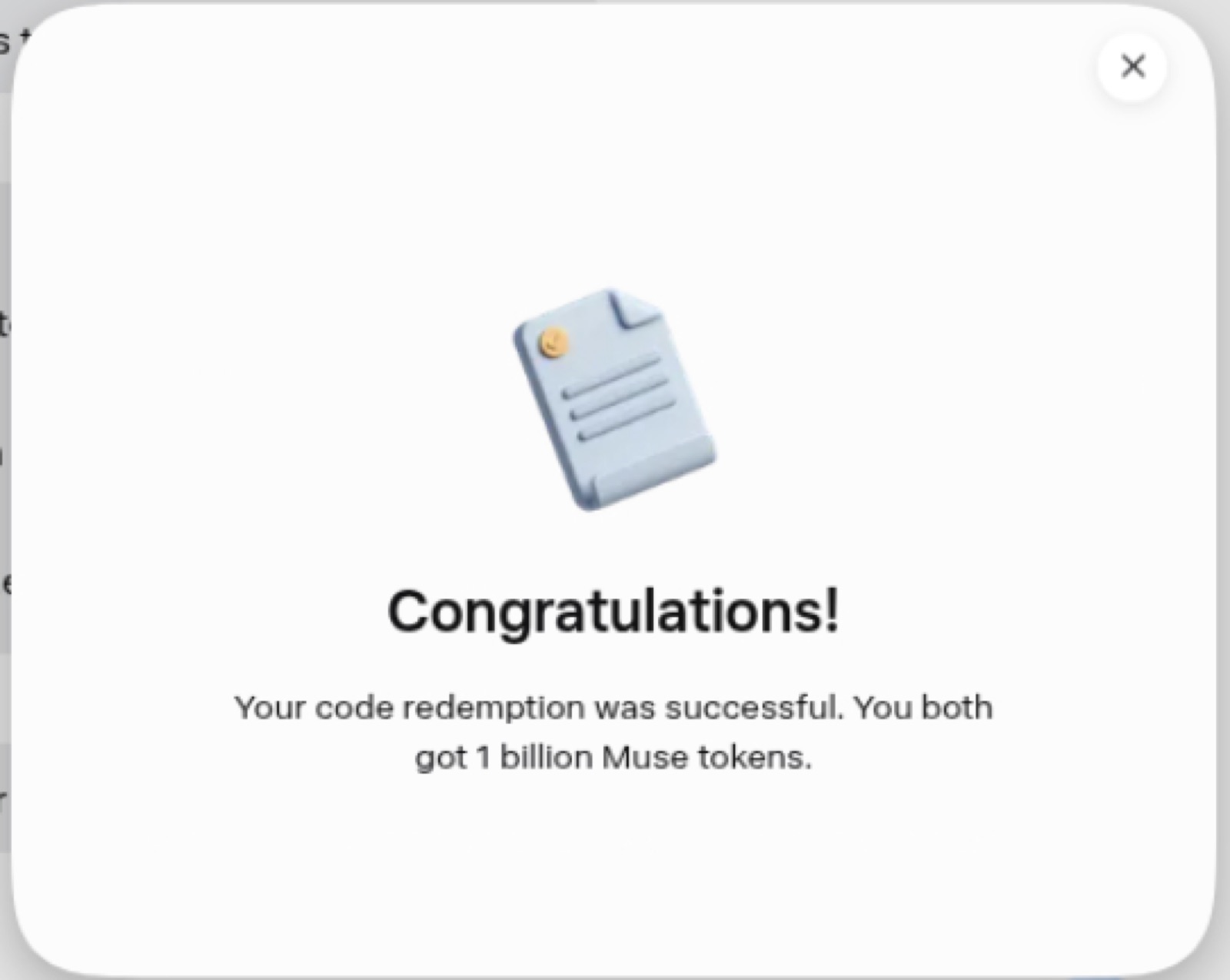
The best part is the invite system. When a new user enters an invite code, both sides get 1 billion tokens, and each person can invite up to 20 friends.
Why borrow Gemini’s browser
Muse checks your region, and your local network will most likely fail. Gemini Spark comes with a remote browser running in the cloud, and its network is already in a supported region. If you take over that browser and open Muse in it, Muse sees a normal local user. So the idea is simple: borrow Gemini’s computer and sign up through its network.
Step 1: Have Gemini open the remote browser
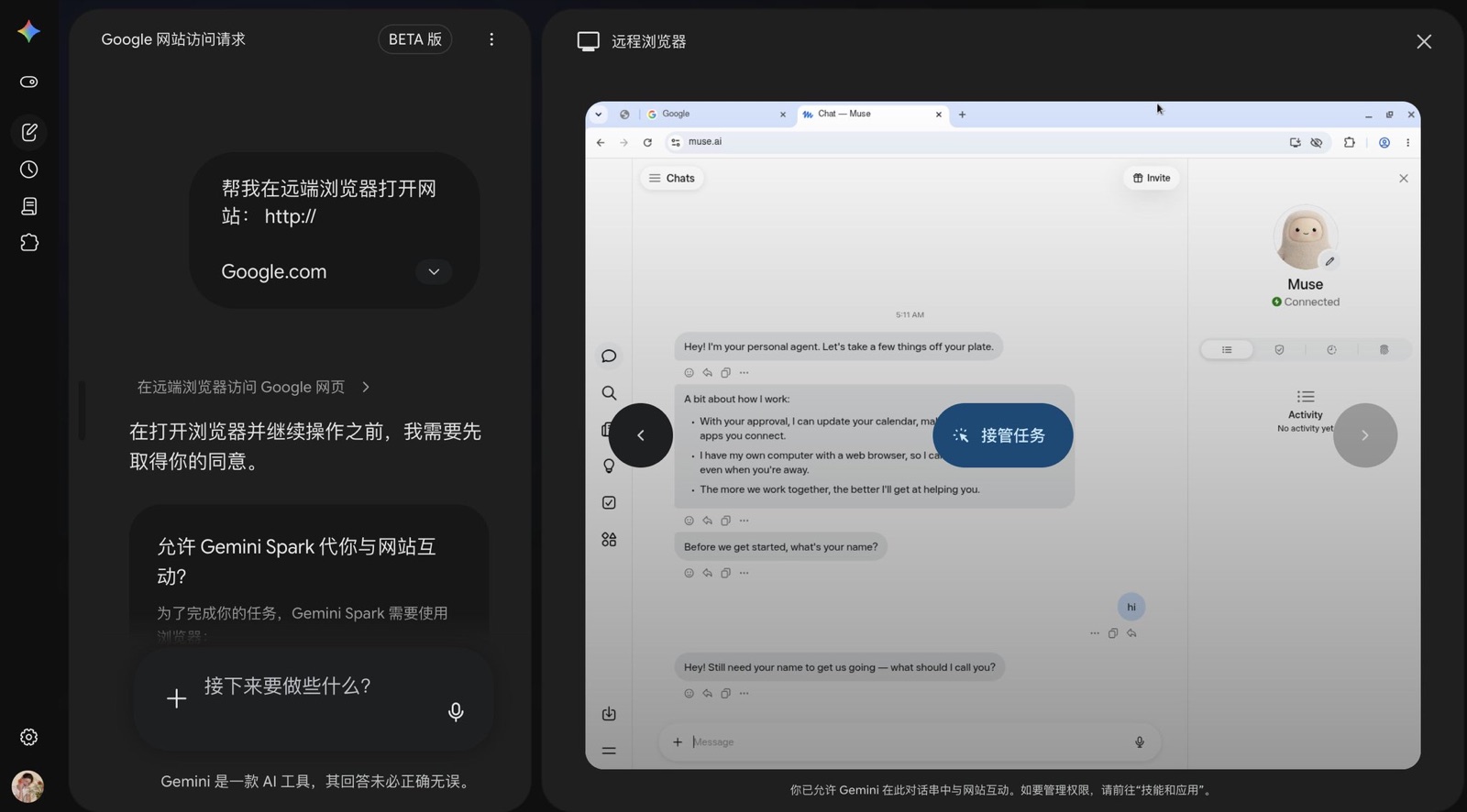
Open Gemini on the web, switch to Spark mode, and send one line: open google.com in the remote browser for me. Have it open Google first rather than Muse directly; the point is just to get the remote browser running, and doing the rest yourself is more reliable.
Step 2: Take over the remote browser
Once Gemini has Google open, click Take over to get control of the remote browser. Then type muse.ai into the address bar, press Enter, and you’ll see Muse.
Step 3: Follow the sign-up flow, using your own Gmail address.
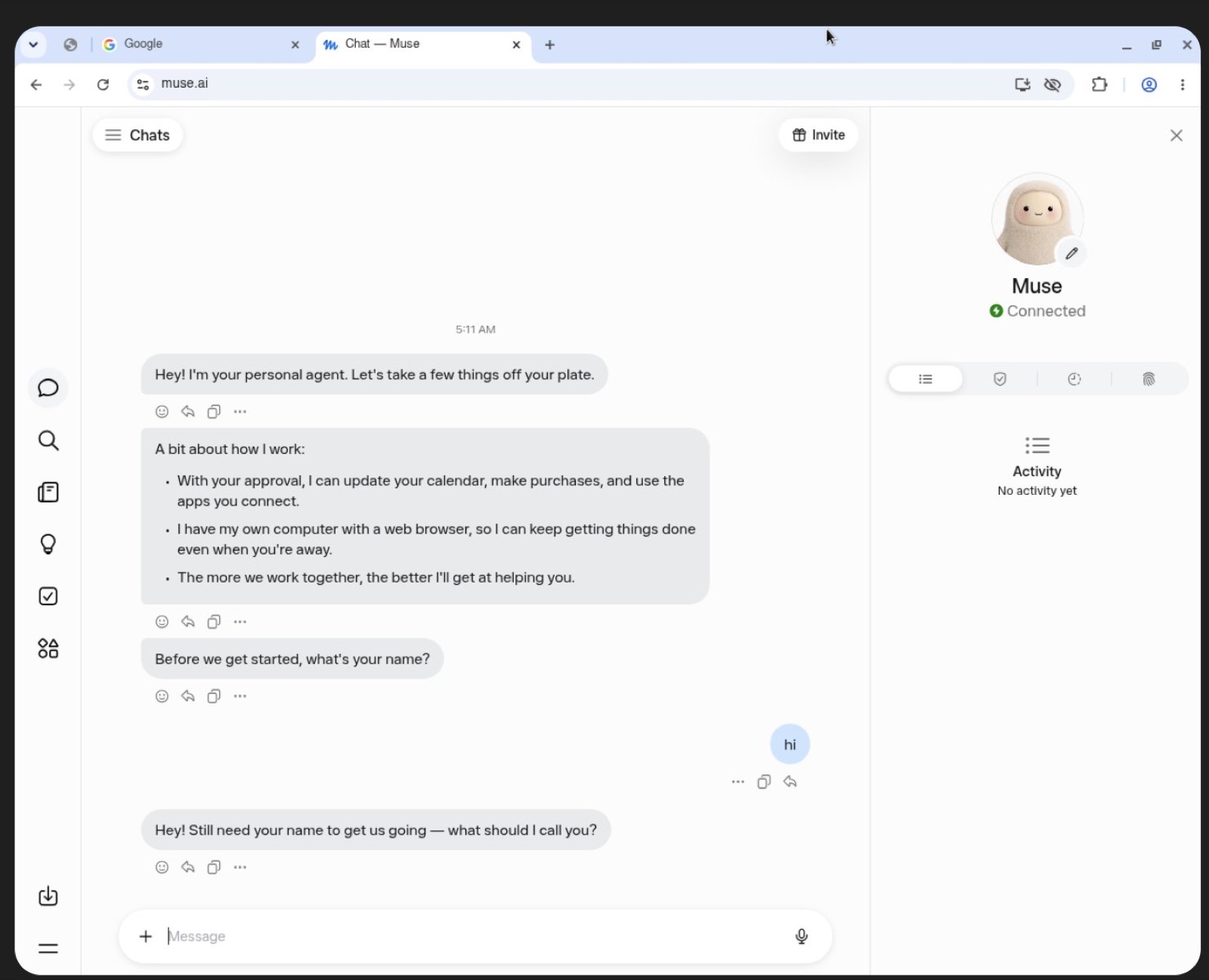
From here it’s a normal sign-up; just follow the prompts. Afterwards Muse asks for your name; answer anything and you can start chatting. When it says Connected under the avatar on the right, you’re in. From opening Gemini to reaching Muse’s chat screen took me about a minute.
Step 4: Enter an invite code right away
A lot of people miss this step. Within 48 hours of signing up, go to Settings and enter an invite code; you and the inviter each get 1 billion tokens. After that window you can’t enter one, so do it right after signing up. Any code works the same, 1 billion each, so feel free to swap codes in the replies: you use mine, I use yours, and nobody loses.
Which card to use (needed for verification, or you can’t use it)
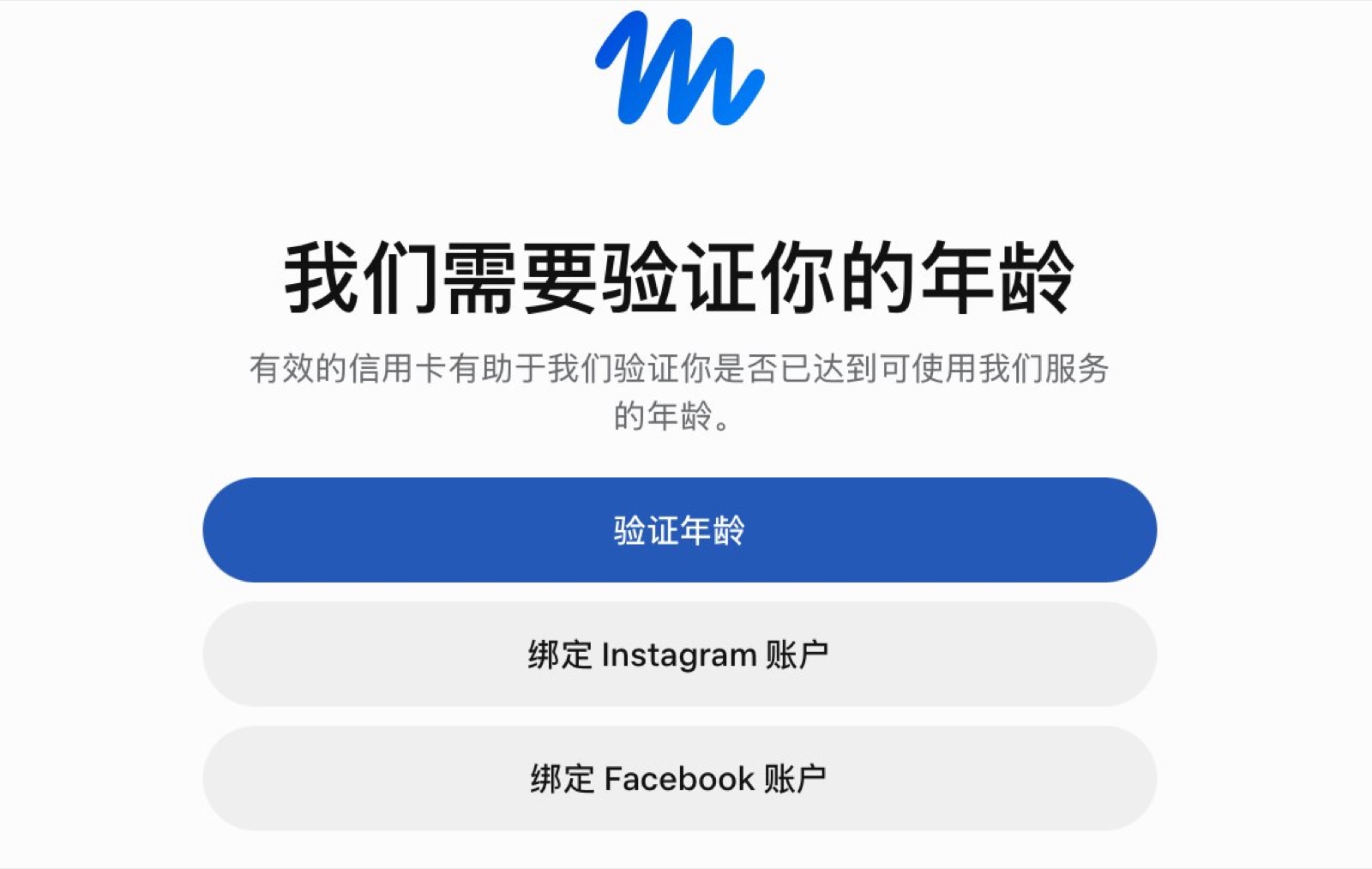
Some Muse features need a card, like having it place orders, and cards issued in China don’t always work. I use a roogoo virtual card; here’s the sign-up link: https://wap.roogoo.store/register?inviteCode=gzfsct
Signing up through this link gets you a free card with a 7-day zero-fee trial, and you can upgrade to zero fees for life later. The platform also has rewards like earning coins on your balance, spend-to-mine and referral commissions. Read the rules carefully after signing up and use it as you need.
A few reminders
After you take over the remote browser, the email and password you sign up with are typed into a cloud computer, so remember to sign out in the remote browser when you’re done; don’t leave your account logged in there. Signing up this way is really a way around the region lock, and the platform could tighten the rules any day, so use your tokens early and don’t put everything important in one account. It’s also hard to say how long the Gemini remote browser route will keep working. I tested it today and it still works, so if you want in, do it soon.
My take
For an individual, 1 billion tokens is basically unlimited. It’s great for having it run web tasks or organize your schedule, and a free agent is always worth grabbing. I’m still figuring out how much work it can take off my hands. Once you have it, what will you have it do first? Drop your invite code and your use cases in the replies.